Send a Wire
-
Step 1
Please review our wire transfers FAQs under Payments & Transfers and informational how-tos before initiating a wire transfer. Click Send Wires from the menu.

-
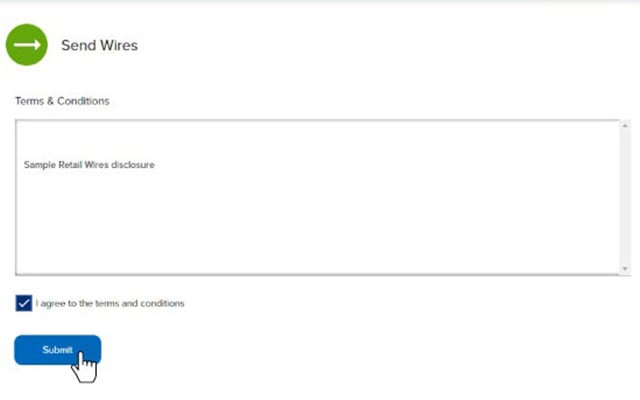
Step 2
Review and accept the terms and conditions.
-
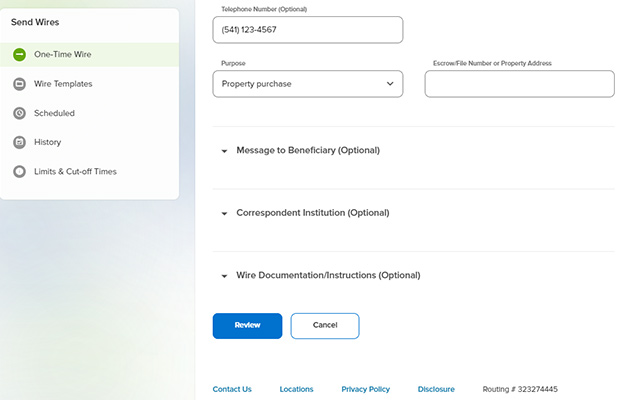
Step 3
Complete the required fields, then select Review. Note: There is a $25 fee to send a wire (this will be debited from the selected funding account). For your security, you may receive a verification call before your request is processed.
-
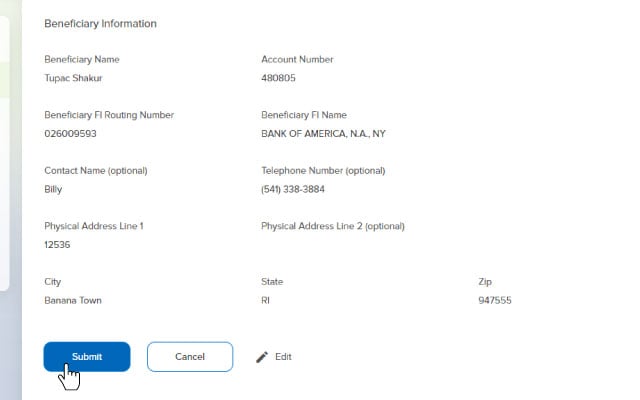
Step 4
Confirm the wire-transfer details, then press Submit.