Order A Card
This step-by-step tutorial is for ordering a debit card for share-level or account-level members on your account. To see how to order a replacement for a damaged card, check out the “Request A Replacement Card” How-To.
-
Step 1
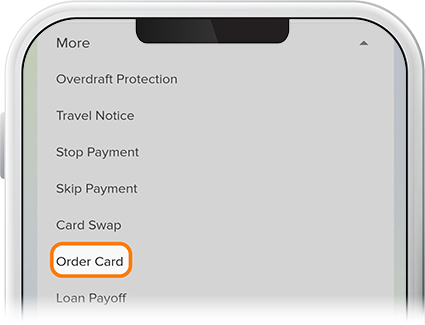
If ordering a debit card for the first time, tap Menu in the lower-right, then select Order Card from the More drop-down. (You can also accomplish this by selecting your checking or savings account, then tapping More and Order Card.)
-
Step 2
After the initial card is attached to your account, you can order subsequent cards for others on your account by selecting the associated checking or savings account, then Card Services, and then Order Card.

-
Step 3
Make your selections from the drop-down menus, then tap Continue.

-
Step 4
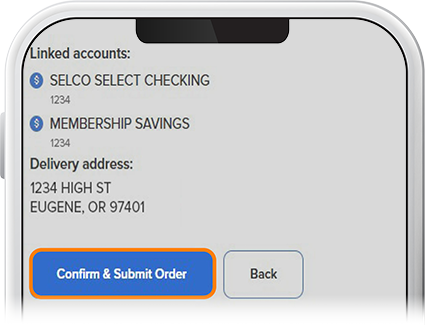
Review your information, then tap Continue & Submit Order. If you need to change anything, tap the Back button.