Add Card to a Mobile Wallet
-
Step 1
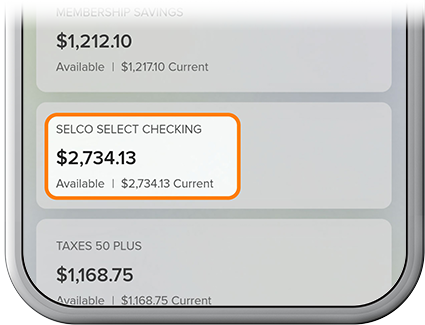
Select the associated checking or credit card account.
-
Step 2
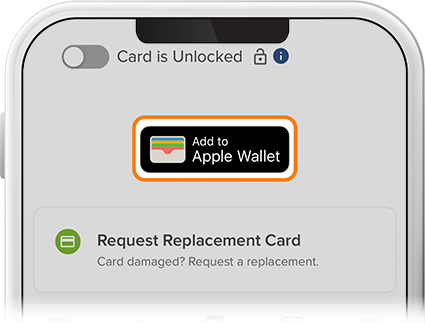
Tap Card Services, then select the Add to Apple Wallet or Add to Google Wallet button. (Depending on which preferences you have enabled, you may need to go through your multi-factor authentication steps.)
-
Step 3
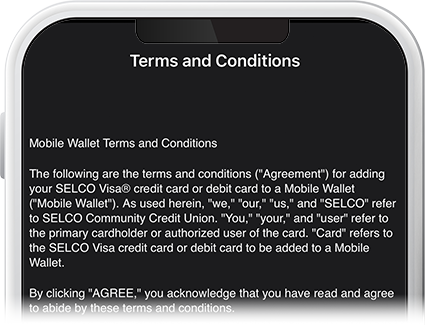
Confirm that your information is correct, agree to the Terms & Conditions, then follow the steps to add your card to your wallet. A confirmation screen will appear letting you know your card is added and ready to use.