Phishing alert: Fraudsters are using texts and calls asking users to confirm unexpected transactions. If you receive one of these messages, please delete it or hang up immediately. (As a reminder, SELCO will never contact you requesting sensitive information, including login credentials.)

View Statements and Documents

  1. Step 1

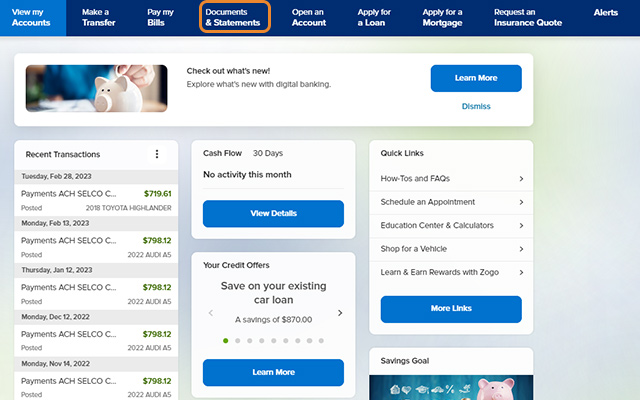
    Click Documents and Statements at the top of the homepage.
  2. Step 2

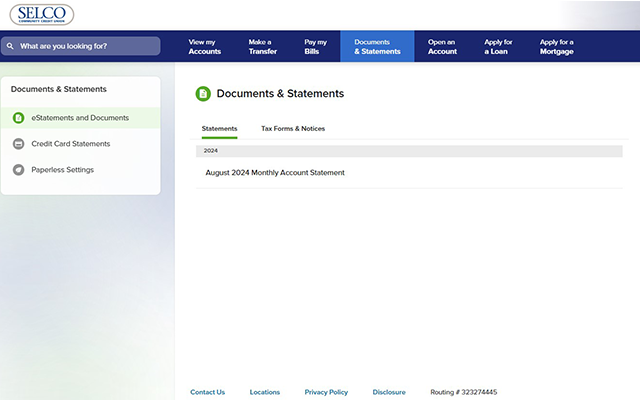
    Click the statement you’d like to view. To download or print a statement, click the corresponding icon.