Update My Contact Info
-
Step 1
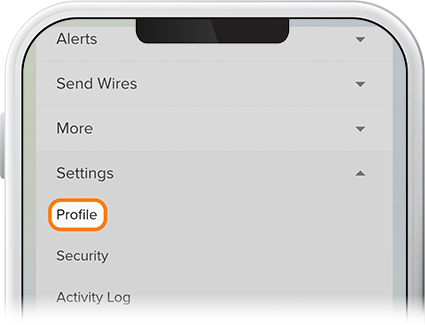
Tap Menu at the bottom of the screen, scroll down to Settings, and select Profile. On a desktop computer, click the profile icon on the upper right, then select Profile.
-
Step 2
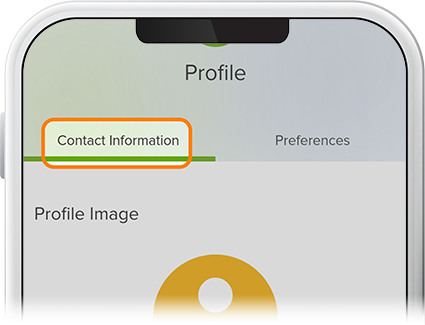
Under Contact Information, confirm/update your email address, phone number(s), and address, then save your changes. Note: On rare occasions, some members may have email addresses that do not recognize certain incoming email addresses. To ensure proper delivery, make sure SELCO hasn't been marked as spam and add our email address to your contact list.