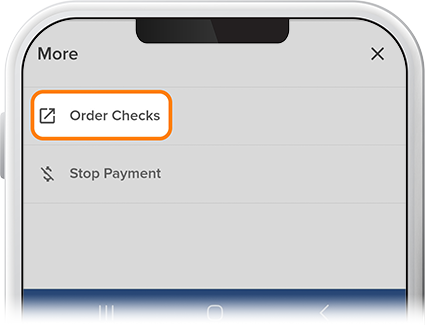
Order Checks
-
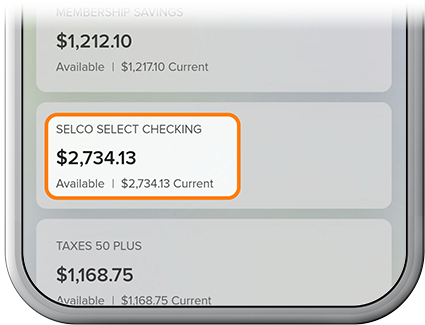
Tap your checking account on the homescreen.
-
Tap the More drop-down near the top of the screen, then select Order Checks. (You’ll be redirected to a check-ordering site, at which you’ll be able to submit your order.) Once your check order has been submitted, you can expect to receive your checks within 7-10 business days.