Hide an Account
-
Step 1
Tap the pencil icon next to your profile name and picture on the app homescreen.

-
Step 2
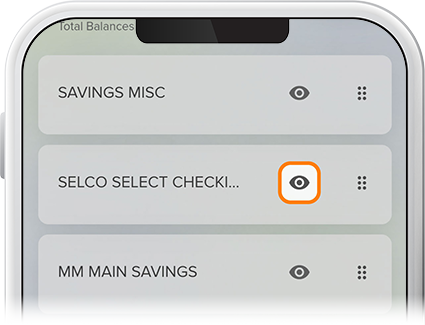
Tap the eye icon next to the account(s) you want to hide, then hit Save. That’s all there is to it. Your chosen account is now hidden.