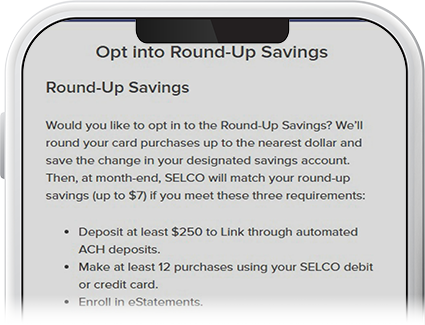
Enroll in Round-Up Savings
-
Step 1
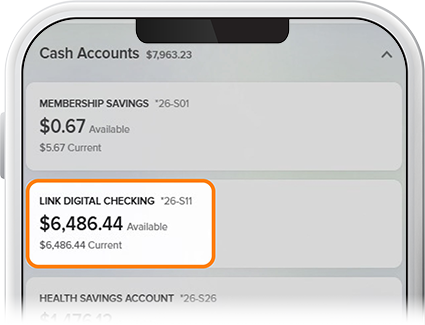
Tap on your Link Digital Checking (If you haven’t opened a Link account, go here.)
-
Step 2
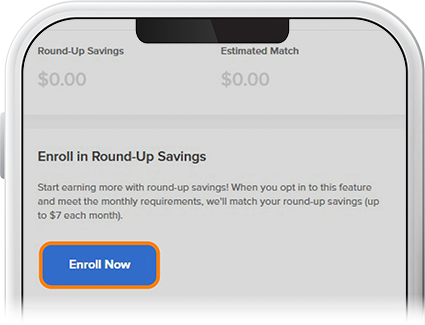
Tap More on the right side of the screen, select Match Tracker, and then Enroll Now on the Round-Up Savings widget.
-
Step 3
Check the box marked “Opt in to Round-Up Savings,” then select which savings account to be funded and tap Submit.