Set Subscription Alerts
-
Step 1
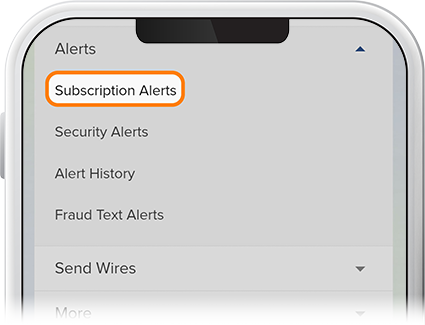
Tap Menu, scroll to the Alerts drop-down and select Subscription Alerts.
-
Step 2
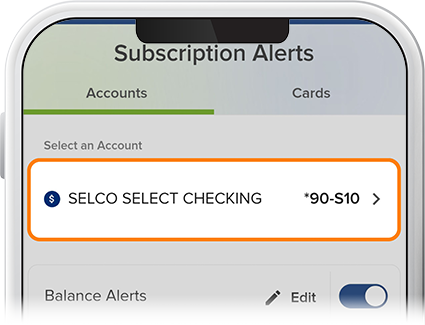
Select the account for which you'd like to set alerts.
-
Step 3
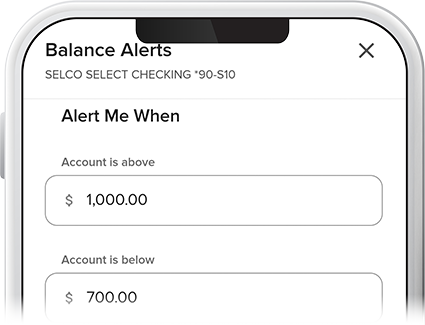
From here, you can set alerts for balances (pictured), pending ACH transactions, loans due, and more. These alerts can be sent once a threshold is reached or recurring until the amounts are within the threshold.