Set Security Alerts
-
Step 1
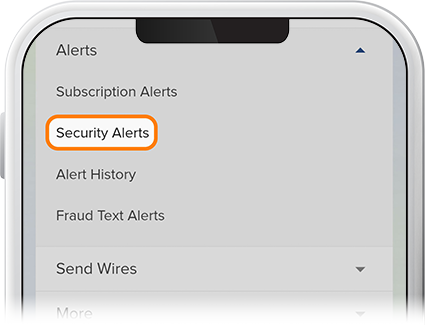
Tap Menu, scroll to the Alerts drop-down and select Security Alerts.
-
Step 2
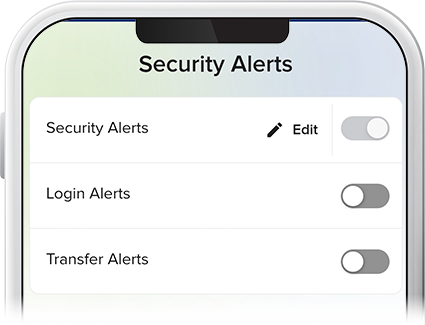
Select which type of security alert you'd like to receive - login or transfer notifications. Security Alerts are always enabled, but you can edit your contact information at any time.
-
Step 3
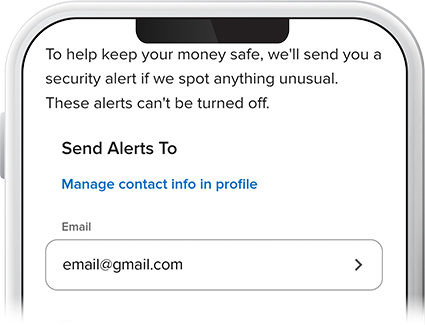
Enter your email and phone number to which you want alerts sent and press Save. You can also choose to be alerted via push notification.