Create and View Account Reports
-
Step 1
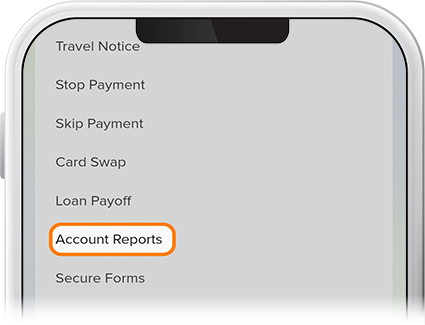
Tap Menu at the bottom of the screen, scroll down to More, and select Account Reports.
-
Step 2
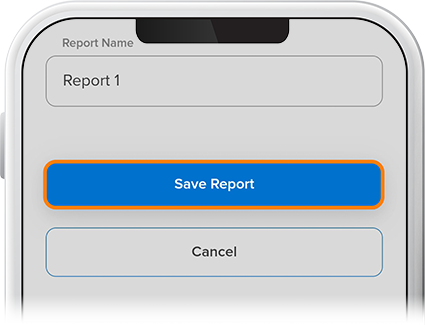
Tap the + sign in the upper right. Fill in the required fields, then tap Save Report.
-
Step 3
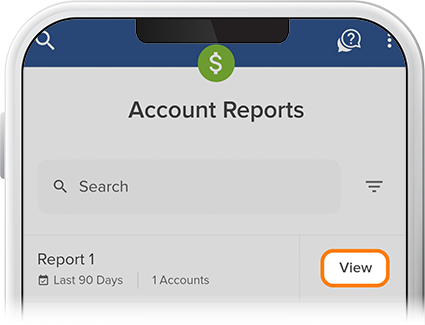
To view a report, tap View to the right of your created report. To edit a report, tap your report name and make the necessary edits.