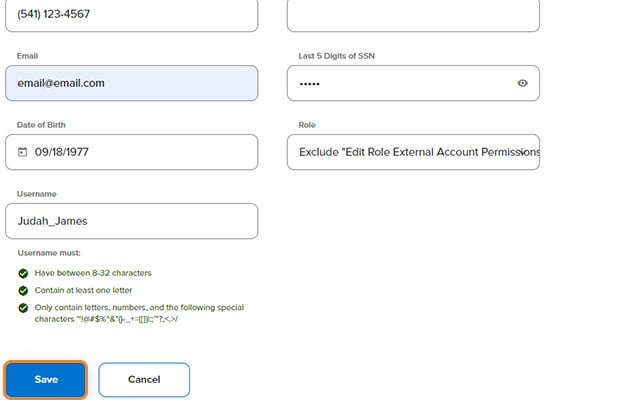
Edit User Details
Depending on the level of access, profile information such as address, phone number, and email address can be modified for your business and individual users. To learn more about the prerequisites to edit user details, please refer to the Business Digital Banking Manage Users Guide (digital banking login required).
-
Step 1
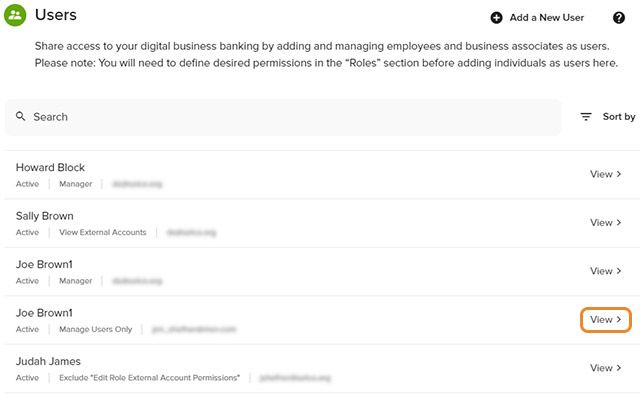
Click Manage Users, Users in the left navigation, then View next to the user's name for whom you want to make changes.
-
Step 2
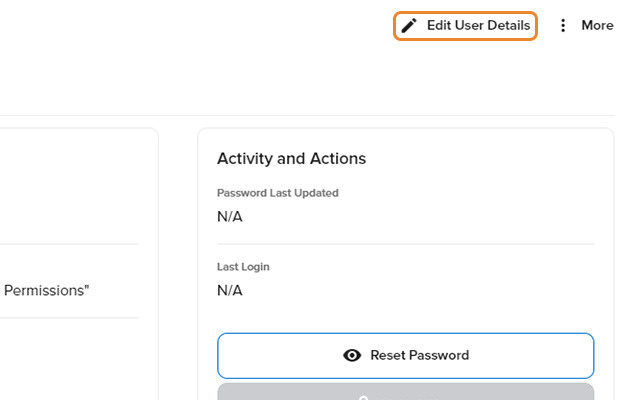
Click Edit User Details (next to the pencil icon).
-
Step 3
Make the necessary changes and click Save.